

Trading terminal
One terminal. Every exchange.
Connect your exchange accounts and trade screened crypto, tokenized stocks and tokenized forex from one workspace.
The complete trading terminal is available with Expert and Quant.
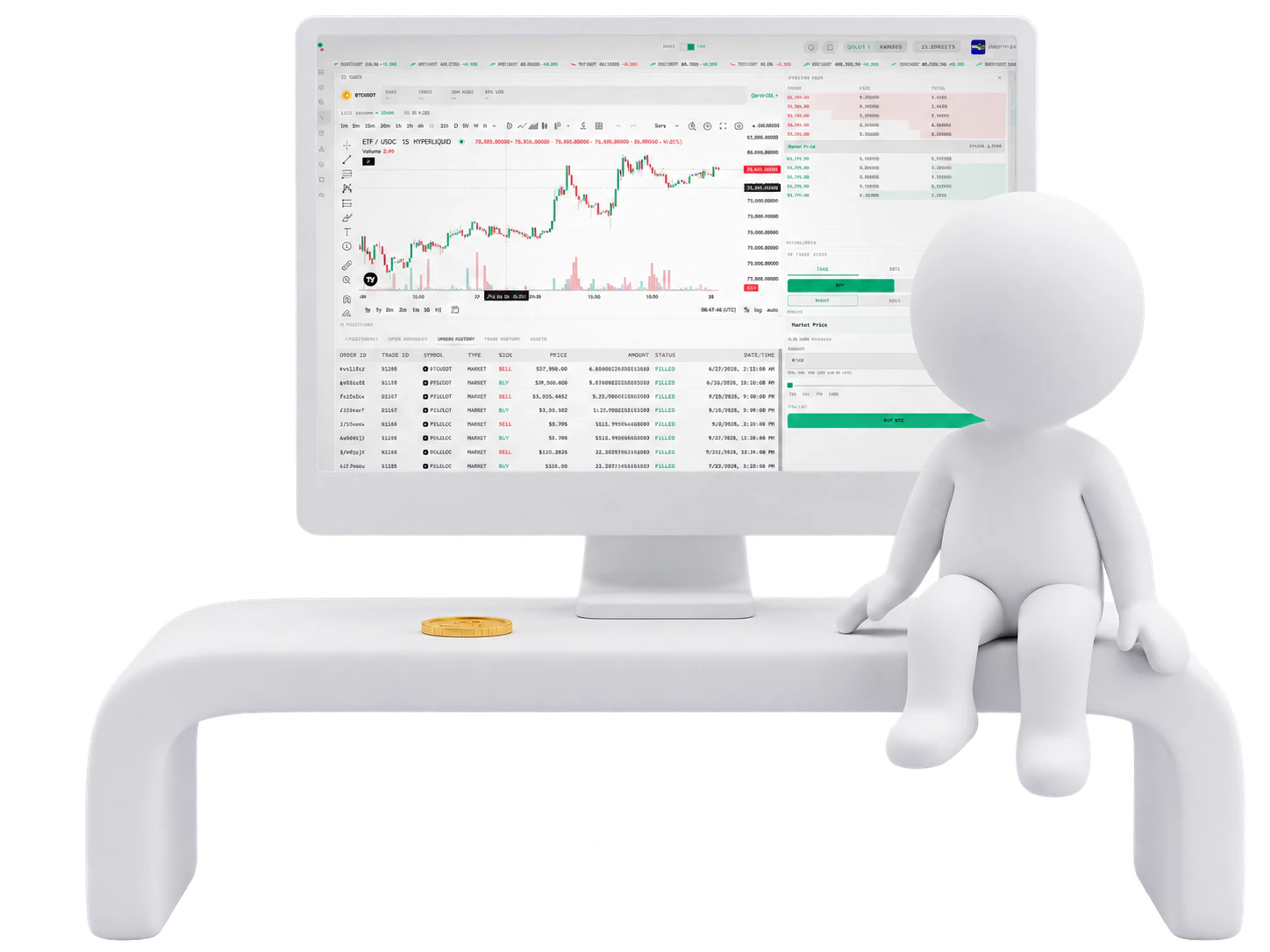
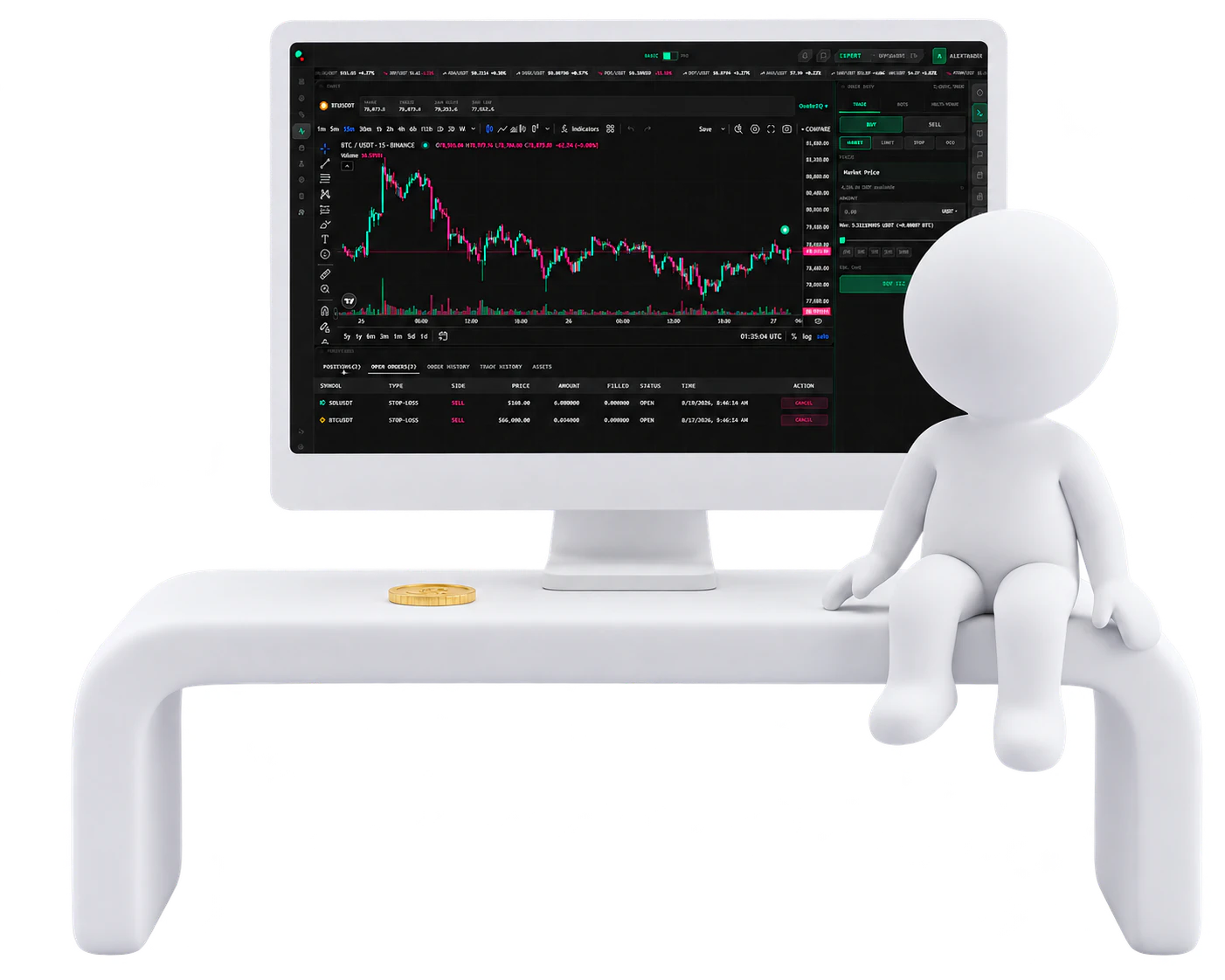
Your workspace
Choose the workspace that fits the moment.
- Basic
A focused workspace with the chart, positions and essential market tools ready to use.
- Pro
A flexible 12-column workspace with drag-and-drop widgets, resizing and layouts saved to your account.
- Mobile
Use a dedicated mobile layout with pair context, TradingView charting, a widget tray, complete order sheet and card-based positions, orders and history.
Basic and Pro are desktop layouts; Mobile is the dedicated phone layout. All three are included with Expert and Quant.
TradingView-powered
The chart is not decoration. It is where you trade.
Trade from TradingView-powered charts with 100+ indicators, drawing tools, multiple timeframes, saved templates and TR8DE.AI indicators. Compare up to five symbols without leaving the chart.
- Orders on the chart
- See open orders at their actual price levels. Cancel eligible limit orders or drag them directly to a new price.
- Positions on the chart
- See entries and supported protection levels directly in market context instead of reading them from a separate table.
- Sizing that tells the truth
- Enter size in base or quote units, use the 0–100% slider and see minimum requirements before submitting. TR8DE.AI automatically conforms size and price to the exchange’s actual rules, so the size shown is the size that will execute.
- Data with its venue attached
- Quotes, order books and fills stream live from the venue you are trading on, so the chart, order book and ticket reflect that exchange’s own market in real time — not a blended feed.
- Screened before they reach you
- Only assets that pass TR8DE.AI’s faith-aligned, liquidity, market-quality and contract-security screening appear in the terminal. Eligibility is reviewed daily; if new entries are restricted, exits remain available. Screening reduces avoidable exposure; it does not eliminate market, issuer, contract or fraud risk.
Venue-native orders
If the exchange cannot do it, we do not pretend it can.
Order controls appear only when the selected exchange natively supports them. TR8DE.AI does not simulate unsupported order types in the manual terminal.
- Market
- Limit
- Stop
- Trailing
- TWAP
- Scaled
- OCO
- Post-only
- Iceberg
- GTC / IOC / FOK / GTD
Availability varies by exchange. The terminal displays the verified capability matrix for the venue currently selected.
Native protection
On supported venues, protect spot assets you already hold with an exchange-held OCO take-profit and stop-loss pair.
AI research analyst
An analyst that sees what you see.
TR8DE Assist answers market-research questions in 34 languages across live quotes, technicals, fundamentals, financial statements, corporate events, reported insider activity, economic events and current news.
- Chart vision
- Ask TR8DE Assist to analyze the chart on screen. It reads the visible price structure to identify key levels, patterns and divergences.
- Market context
- Move from technical analysis to fundamentals, news and economic context without leaving the workspace.
- Clear boundary
- TR8DE Assist can analyze the chart you share and, with read-only access, view data from your connected exchanges, including open positions, recent trades, bots and your watchlist, so its answers fit your situation. It cannot place orders or trade for you. It provides data and analysis — not personal financial advice, signals or predictions.
- Daily allowance
- Expert includes 10 TR8DE Assist uses daily. Quant includes 20 AI uses daily, shared across TR8DE Assist and the Labs Co-pilot, with the remaining balance updated after every use. One Platform Credit adds 10 additional AI uses.
Your terminal
Build the view around how you trade.
- Live order book and cumulative depth
- Market news
- Economic calendar
- Reported insider activity
- TR8DE Assist
- Sonar
- Positions, orders and assets
QuoteIQ
See the live price across your connected venues.
QuoteIQ ranks the top three live prices for the current pair. Compare your connected exchanges with supported venues and jump directly to the venue you choose.
QuoteIQ finds prices. It never routes or allocates an order automatically.
One view across accounts
Every balance. Every order. Every fill.
Track balances, positions, orders and realized activity across connected exchanges. Fees retain their native currency and USD equivalent so recorded P&L reflects the money that actually moved.
Where a connected exchange reports taxes or other transaction charges, TR8DE.AI records them alongside trading fees so P&L stays true to activity on that venue.
Follow the filings
Follow reported insider activity as it happens.
Track reported insider buying and selling as filings become available. Review the person, company, transaction type, value and timing, then investigate the surrounding chart, news and financial context through TR8DE Assist.
Insider activity reflects reported public filings as they become available. It is market information, not a trading signal.
Sonar by TR8DE.AI
Hear the order book move.
Sonar turns net buy and sell pressure in the order book into sound, adding another layer of market awareness while your eyes are elsewhere.
Sonar presents order-flow data. It is not a signal or prediction.
Hotkeys
Trade without breaking flow.
Buy, sell, cancel, close, set protection and switch pairs or timeframes from the keyboard. Every shortcut remains visible inside the terminal.
B — Buy · S — Sell · X — Close · L — Stop · T — Take profit · Esc — Cancel
Multi-Venue
One instruction. Multiple venues.
Select the exchanges yourself, choose an order type supported by every selected venue and place the same instruction across them simultaneously.
Multi-Venue prevents accidental duplicate submission and limits order controls to capabilities shared by every selected exchange.
Stop switching tabs. Start trading connected.
The terminal is where Expert begins.